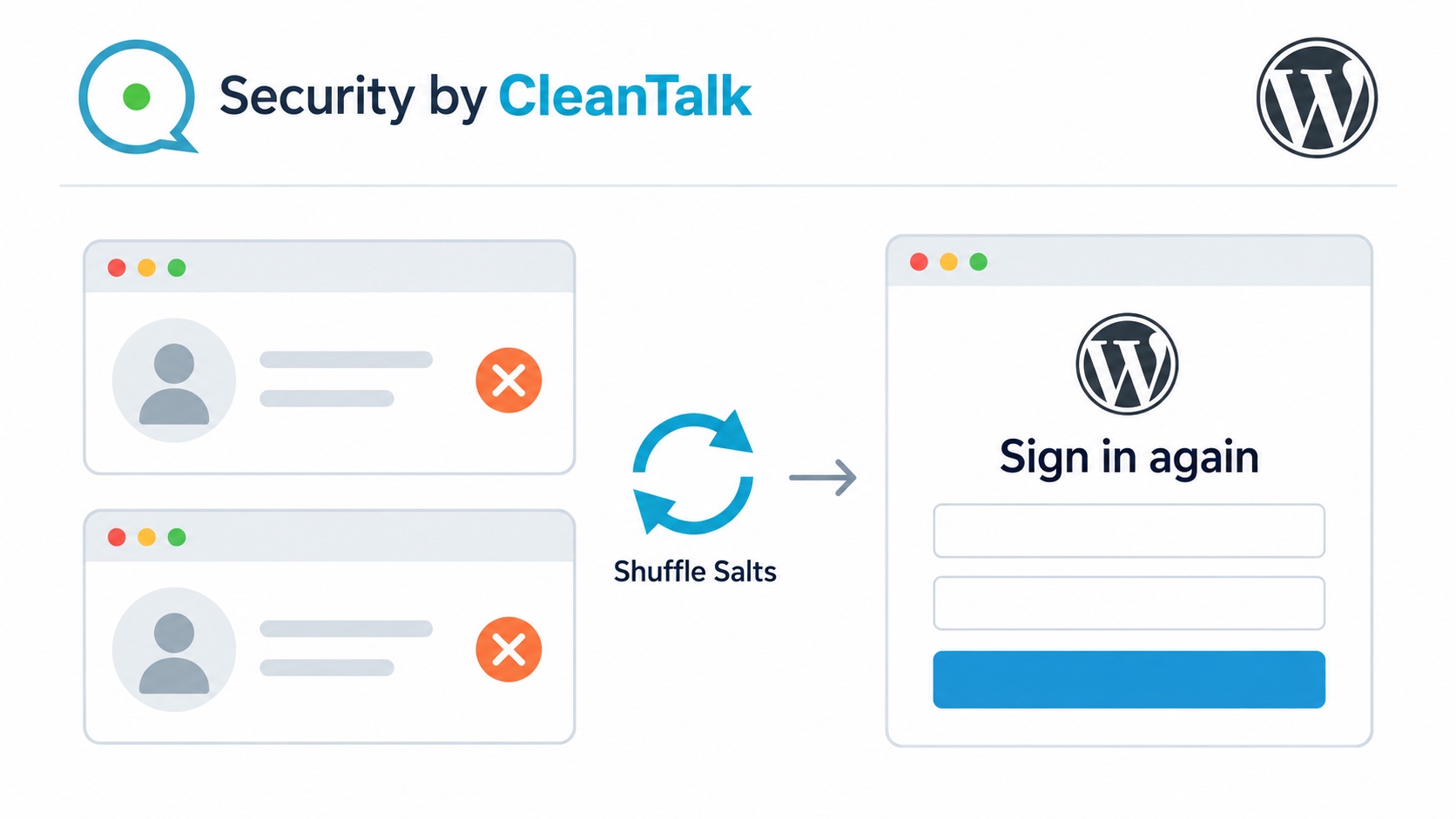
Shuffle Salts can force WordPress users to log out by replacing the site’s authentication keys and salts. On Forma Journal, existing administrator and editor sessions opened the Posts page before rotation. Afterward, the same login cookies led to the login screen. Both users could sign in again with their unchanged passwords.
This helps remove existing sessions after a malware infection or when a password-guessing attack may have compromised a user’s account. Every user with an old WordPress login cookie must authenticate again, including an attacker using a stolen or previously valid session. Exposed passwords still need to be replaced to prevent a new login.
Tested with Security by CleanTalk 2.183 and WordPress 7.1.
Why an old WordPress session can still matter
Forma Journal publishes stories about architecture and considered living. Olivia Reed administers the site, while James Hart works as an editor. Both have access to published articles, although their broader permissions differ. An exposed editor session could put editorial content at risk. An exposed administrator session could reach substantially more of the installation.

Closing a browser tab does not revoke its login cookie. WordPress checks a cryptographic signature when the cookie is used again. Authentication keys and salts contribute to that signature. After they change, cookies issued with the previous values fail validation. WordPress documents this behavior in its authentication cookie validation code.
The practical boundary is the next authenticated request. An already open dashboard may remain visible until it reloads or requests protected data. A visible old page is therefore a poor logout check. Requesting the Posts page again gives a clearer result.
Prepare for a site-wide sign-out
Security by CleanTalk includes malware scanning and login protection, with Shuffle Salts as a manual authentication maintenance action. Installation starts in Plugins → Add New Plugin. After activation, the administrator connects the site to the CleanTalk Security service through the plugin’s setup screen.
Before rotating salts, the site owner should arrange the following.
- Save unfinished work and warn signed-in staff. Rotation affects ordinary WordPress cookie sessions across user roles, including the administrator performing it.
- Confirm the correct login URL, working account credentials and any required second-factor access. Hosting access and a current configuration backup should also be available.
- Have the host check that wp-config.php uses the standard authentication constants and can be updated by the plugin. The operation also needs access to WordPress.org’s salt service and permission to create a temporary configuration file.
- For a membership site or store, plan for customers using WordPress logins to authenticate again. Application-specific checkout and single sign-on behavior require separate checks.
Where to find CleanTalk Shuffle Salts
In version 2.183, the route is Settings → Security by CleanTalk → General Settings → Authentication and Logging In. The setting is labelled Change unique and secret authentication keys and salts, with a Shuffle salts button. Its description explains that users will need to log in again.

The control includes an accidental-click guard and a confirmation prompt. Clicking the guarded button until it becomes active allows the administrator to choose Shuffle salts and confirm the action. The plugin requests new values and replaces all eight standard authentication key and salt constants in the configuration. The next protected request must authenticate against the new values.
Before rotation, both accounts could open Posts
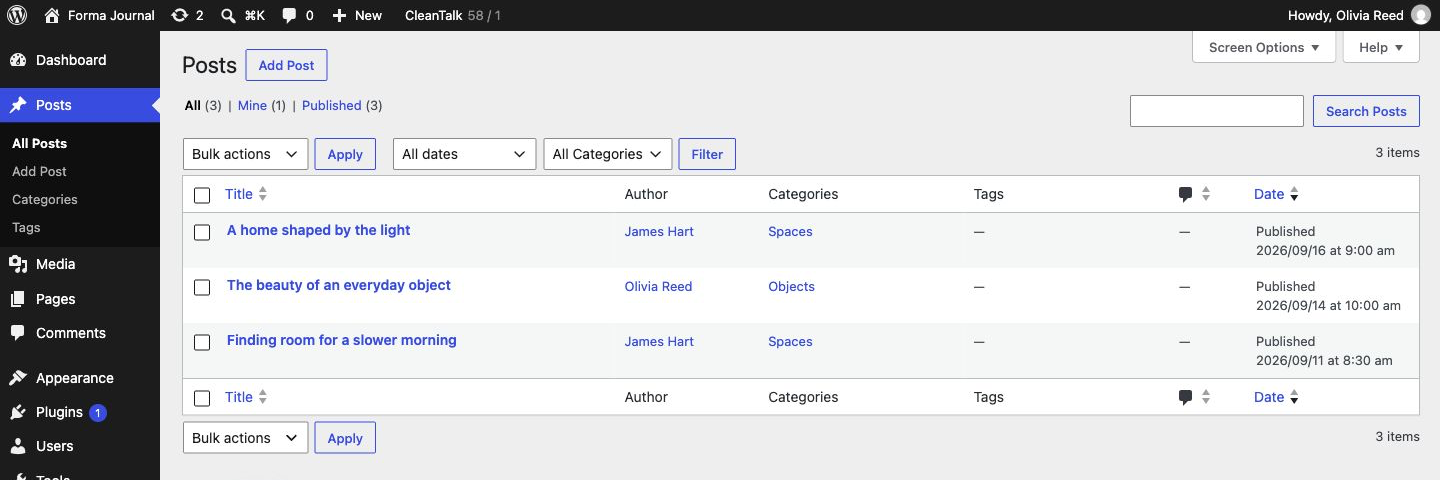
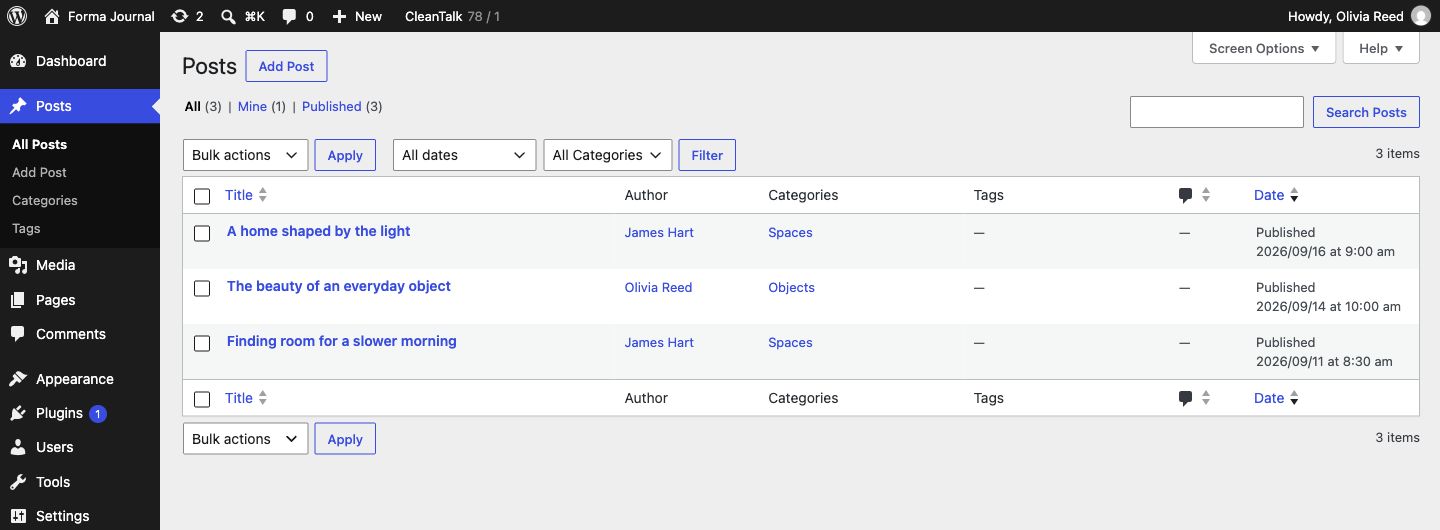
Olivia’s administrator session and James’s editor session each requested /wp-admin/edit.php. Both received HTTP 200, displayed the Posts table and identified the correct signed-in account. The table included A home shaped by the light, The beauty of an everyday object and Finding room for a slower morning.
After rotation, the same cookies led to the login page
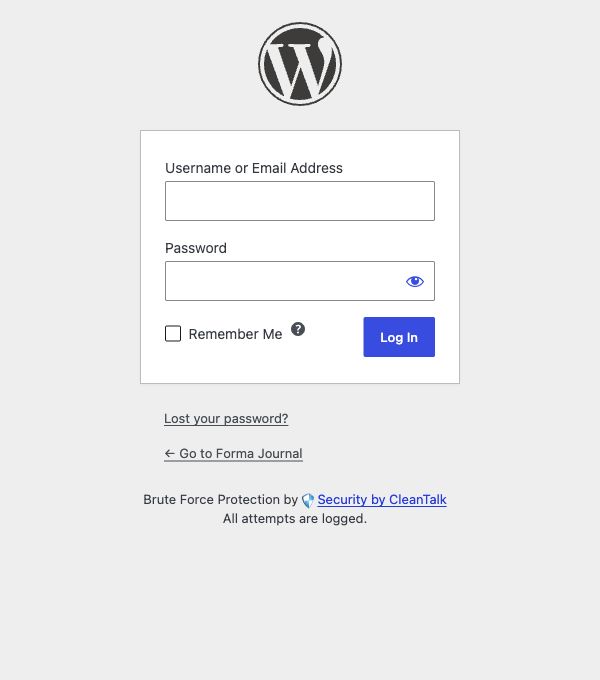
The CleanTalk rotation action returned success. All eight authentication constants changed. When each original session requested the Posts page again, WordPress returned HTTP 302 to the login page. The destination loaded the login form with HTTP 200 and no Posts table.
| Check | Before rotation | After rotation |
|---|---|---|
| Olivia’s existing session | Posts, HTTP 200 | HTTP 302 to login |
| James’s existing session | Posts, HTTP 200 | HTTP 302 to login |
| Keys and salts | Original values | All eight changed |
| Account password hashes | Original values | Unchanged |
| Published articles | Three articles | Unchanged |
| Public homepage | HTTP 200 | HTTP 200, same main content |
This result separates session revocation from an outage or password reset. Both accounts then signed in with their previous passwords and received the Posts page with HTTP 200 again. Old cookies lost access, while a fresh legitimate login still worked. The configuration file also retained its original access permissions.
End old sessions after malware or password compromise
Shuffle Salts is a manual session-revocation step. It lets the administrator invalidate existing WordPress cookie sessions after an infection or suspected account compromise, so previously signed-in users must authenticate again. The plugin can recommend the action after signature-based malware treatment. The administrator can also initiate it when old sessions should no longer be trusted.
If an attacker knows a valid password or still controls server-side code, invalidating old cookies alone cannot prevent renewed access. Recovery also requires reviewing accounts, replacing exposed credentials and fixing the weakness that allowed entry. CleanTalk’s malware detection and Cure workflow addresses the infection. Brute force login protection helps limit repeated password-guessing attempts.
Password Leak Check addresses exposed credentials. The WordPress Password Leak Protection guide explains how CleanTalk flags passwords found in breach data and requires affected users to replace them. Password replacement prevents reuse of the exposed password, while salt rotation invalidates old WordPress login cookies.
Salt rotation also does not delete WordPress Application Passwords, revoke an external identity provider’s sessions or clean an infected browser. Those access paths need their own review.
Frequently asked questions
Does Shuffle Salts log out only administrators?
No. Standard WordPress login cookies depend on the site’s authentication keys, regardless of role. The observed administrator and editor sessions both lost access. Other roles using those cookies must also sign in again, including the operator who initiated rotation.
Does it change passwords or delete users?
No. It replaces authentication keys and salts in the configuration. Both account password hashes stayed unchanged, and both users signed in again with their existing passwords. A compromised password still needs a separate reset.
Does Shuffle Salts stop password-guessing attacks?
It invalidates existing WordPress login cookies. This is useful when password guessing may have led to unauthorized access, but it does not block new guessing attempts or replace the compromised password. The owner should combine session revocation with a password reset, login protection and a review of account activity.
Will salt rotation take the public website offline?
Forma Journal’s public homepage remained available with the same main content, and its published articles were unchanged. Logged-in activity is affected. Staff should save work beforehand, and site owners should check member access or purchasing flows relevant to their own installation.
Does an open dashboard disappear immediately?
An already loaded page can remain visible. WordPress rejects the old login cookie when the browser next requests a protected page or action. Reloading the Posts page provides a useful check. It should require a fresh login.
A practical completion check
The owner should confirm three outcomes after rotation. An old session must be redirected away from a protected page. A fresh login must restore the expected access. The public site must still serve its content. Forma Journal met all three conditions. Previously issued login cookies no longer opened WordPress administration.