DB Trigger Analysis flagged a comment-driven trigger and removed it. A repeated comment stopped the extra database write while ordinary audit logging continued.
WordPress Malware Keeps Coming Back? Check Database Triggers
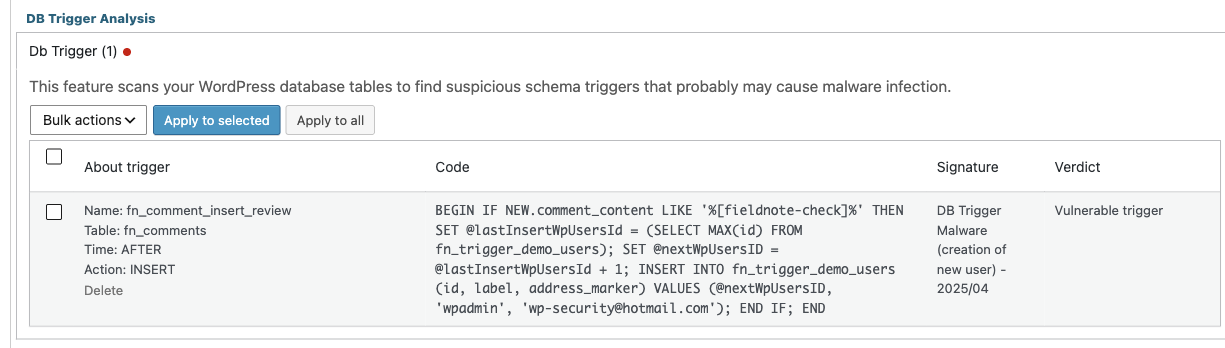
DB Trigger Analysis flagged a comment-driven trigger and removed it. A repeated comment stopped the extra database write while ordinary audit logging continued.
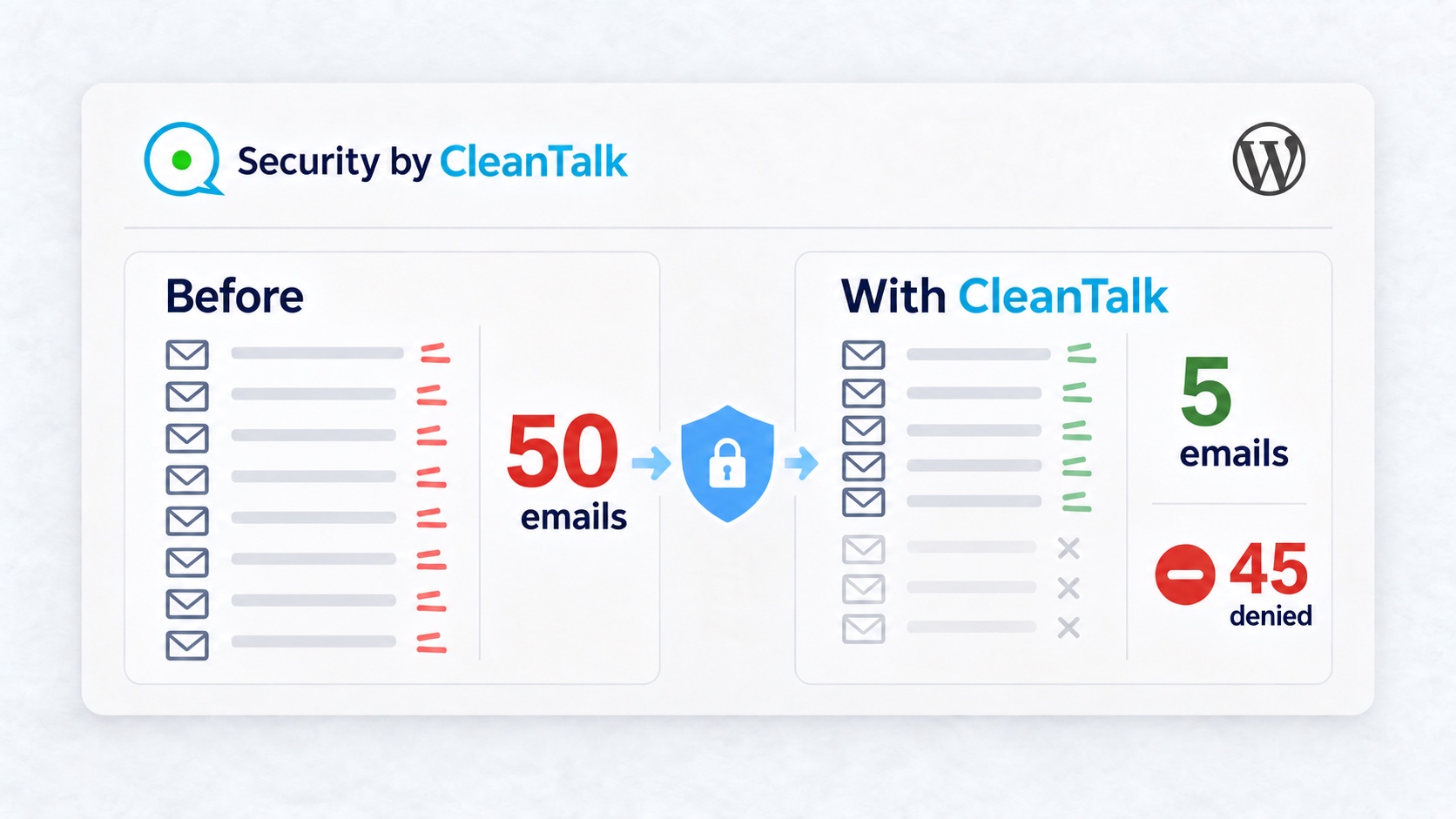
Fifty password reset requests produced fifty emails. CleanTalk limited the same sequence to five emails and 45 refusals. A later request delivered another email.
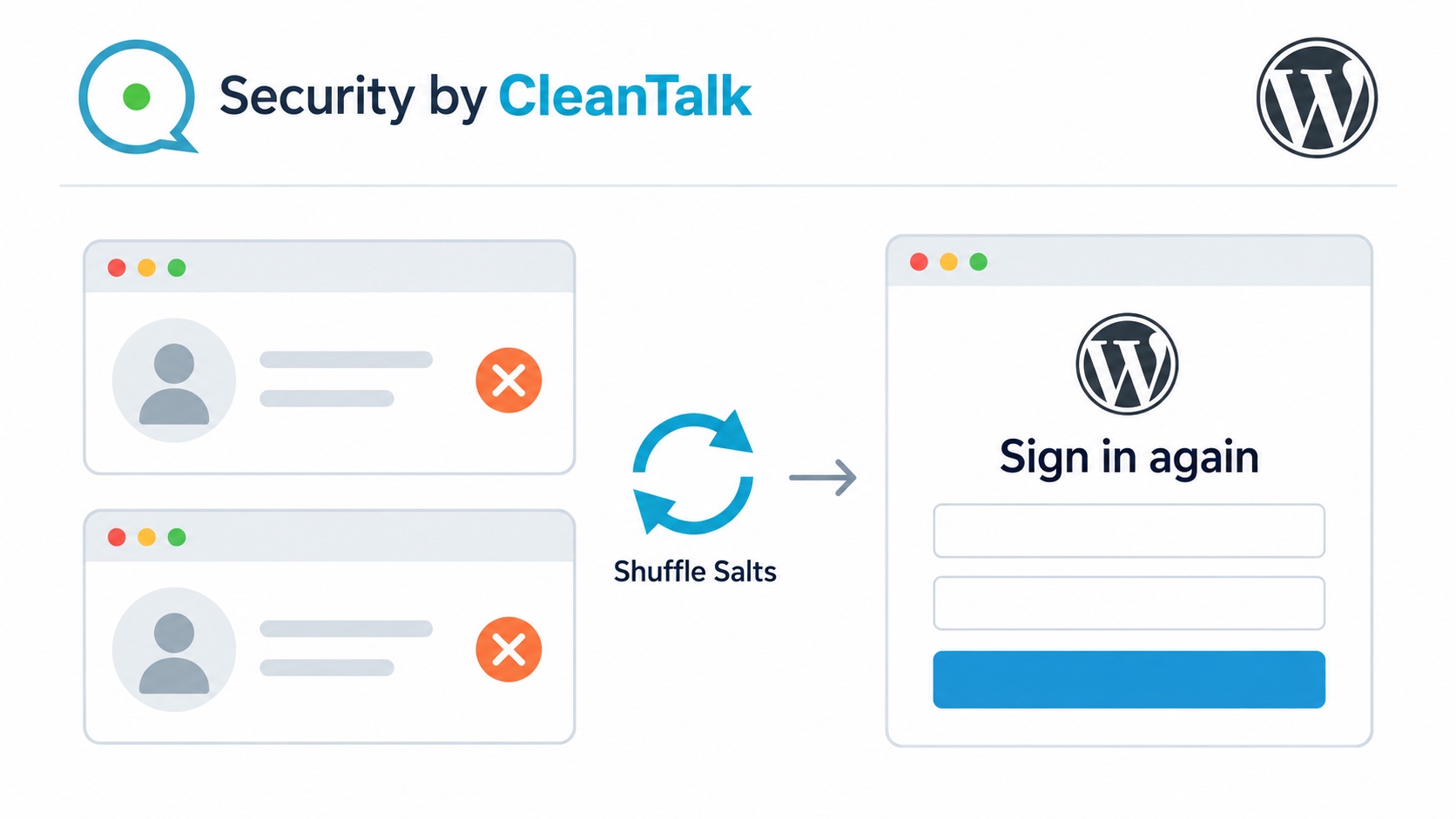
CleanTalk Shuffle Salts ends old WordPress sessions after infection or suspected password compromise. See logout and fresh-login results with version 2.183.
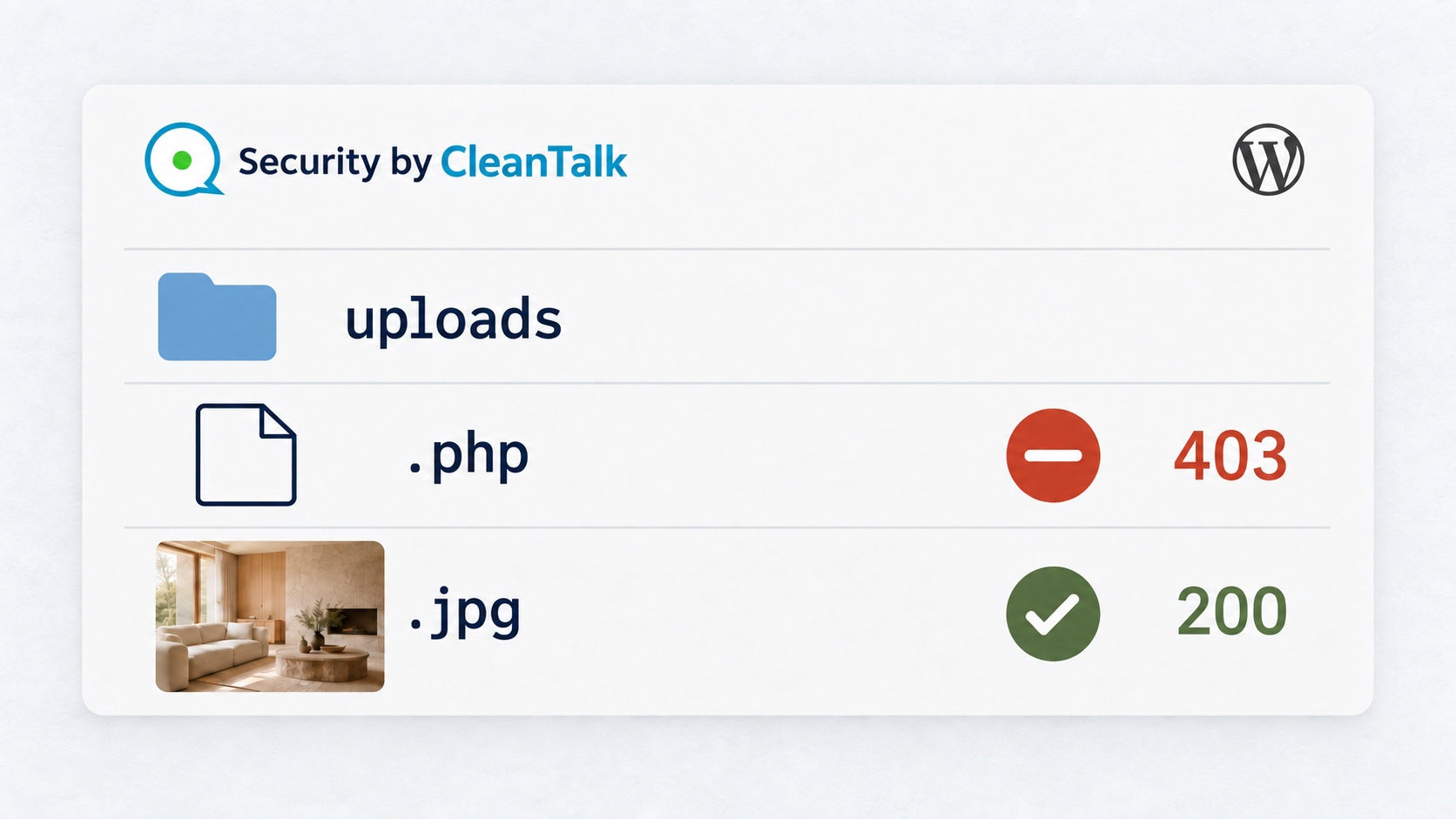
Security by CleanTalk helps prevent malware execution in WordPress uploads. A PHP document returns 403 after protection takes effect, while project images remain available.
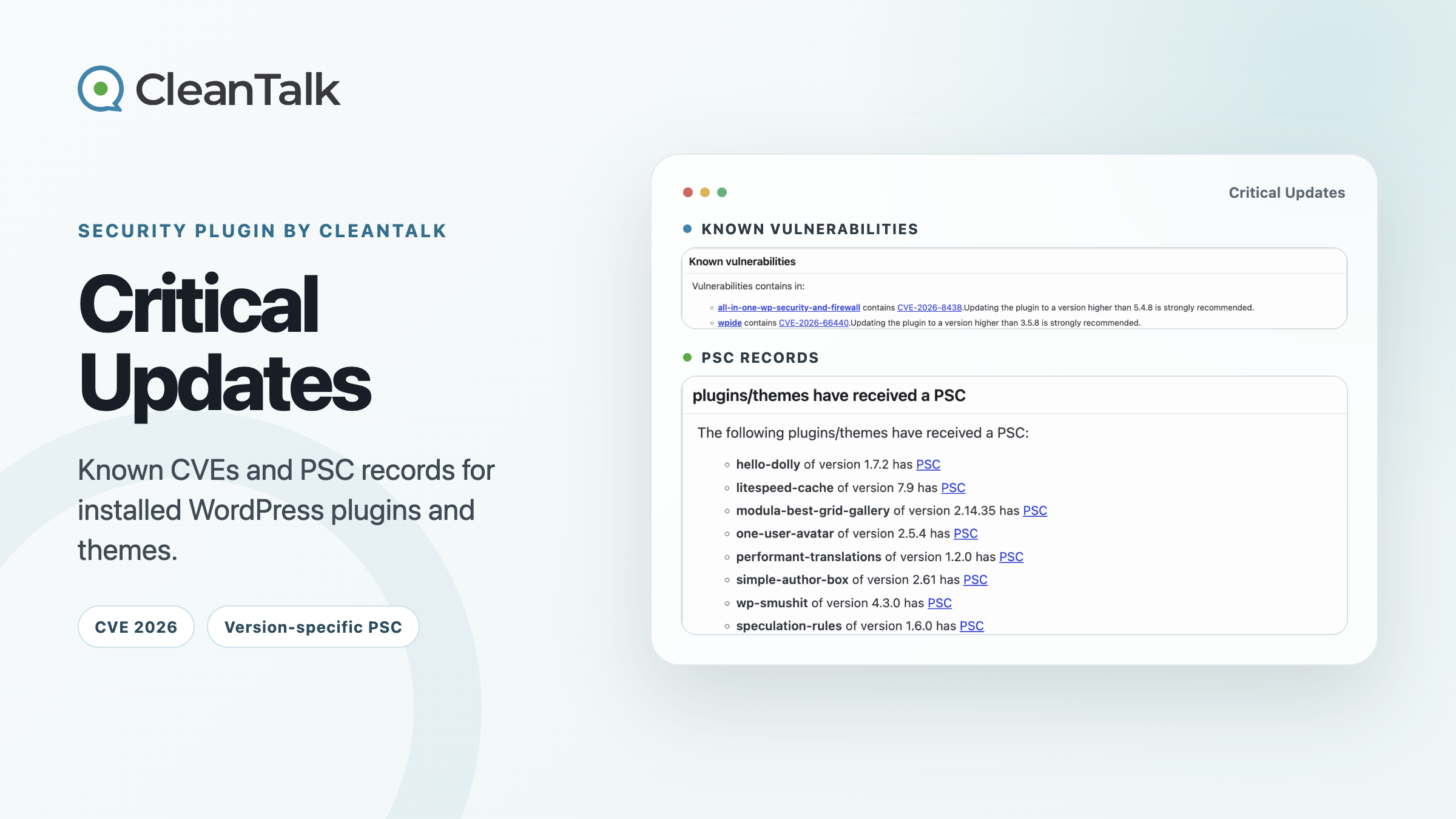
SPBCT Critical Updates separates known CVE matches from version-specific CleanTalk PSC records for installed WordPress plugins and themes.
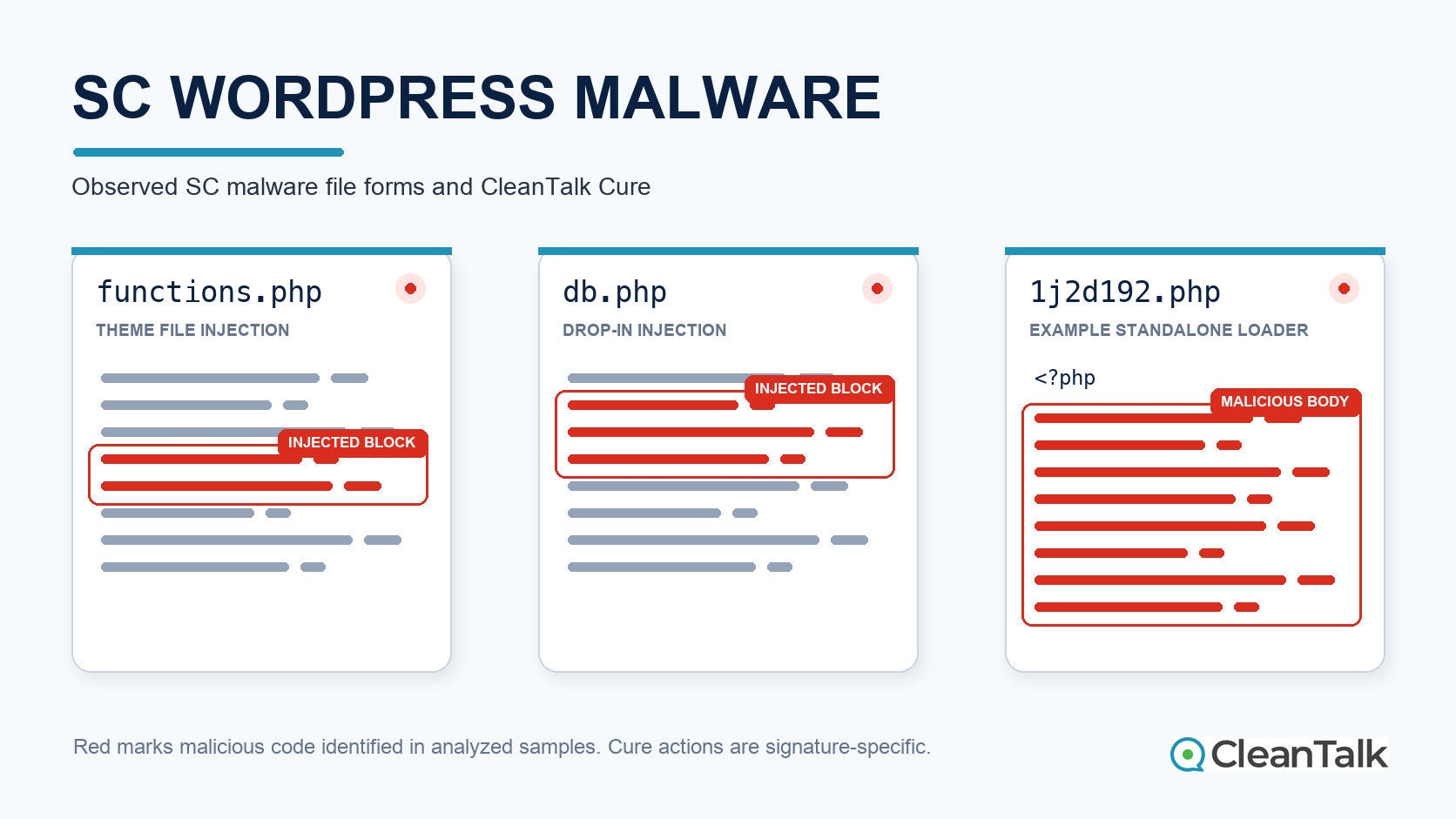
See how SC WordPress malware infects functions.php, db.php, and randomly named PHP loaders, and how CleanTalk detects and safely cures verified matches.
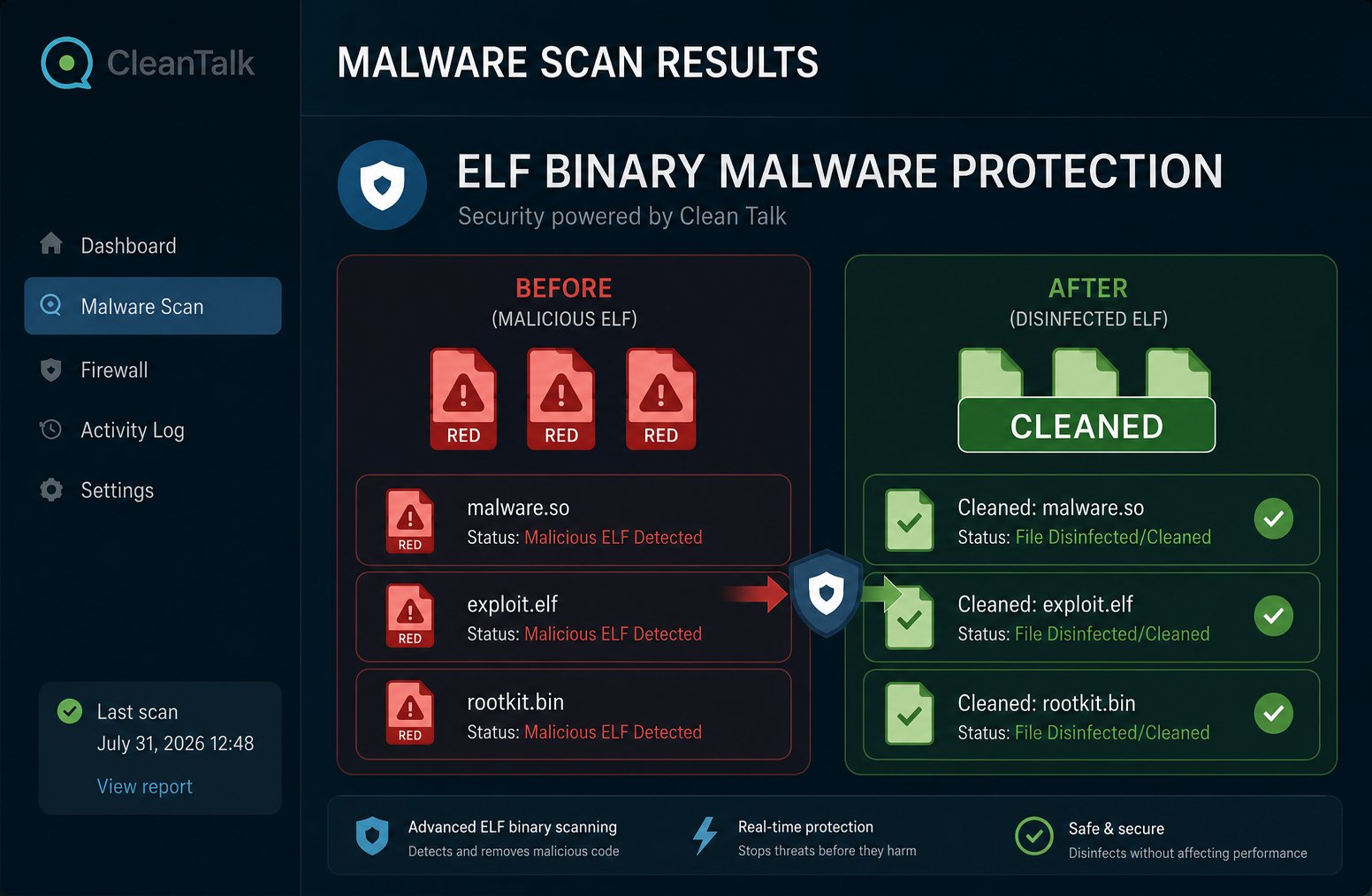
Most WordPress security scanners are good at catching malicious PHP code — web shells, injected theme and plugin files, suspicious eval() calls. But attackers have another tool in their arsenal: compiled binary files in ELF format (Executable and Linkable Format) — the standard executable format for Linux. Such a file contains no readable PHP code, doesn’t match familiar signatures found in plugin source files, and often has no file extension at all — so classic file scanners simply skip right past it.
This is exactly the gap that Security by CleanTalk’s new module — BinaryCheck — was built to close.
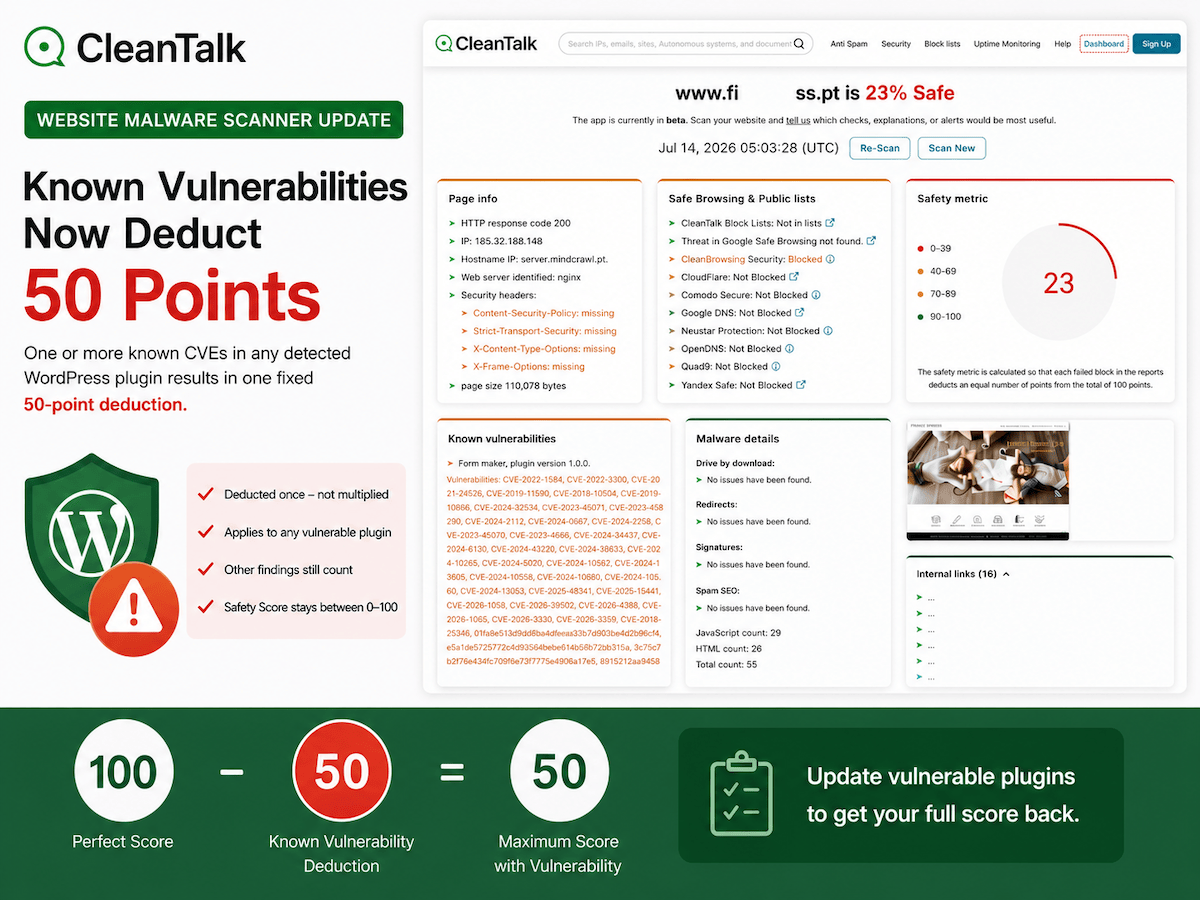
CleanTalk is updating the Website Malware Scanner so any known CVE in an installed WordPress plugin immediately deducts 50 Safety Score points.
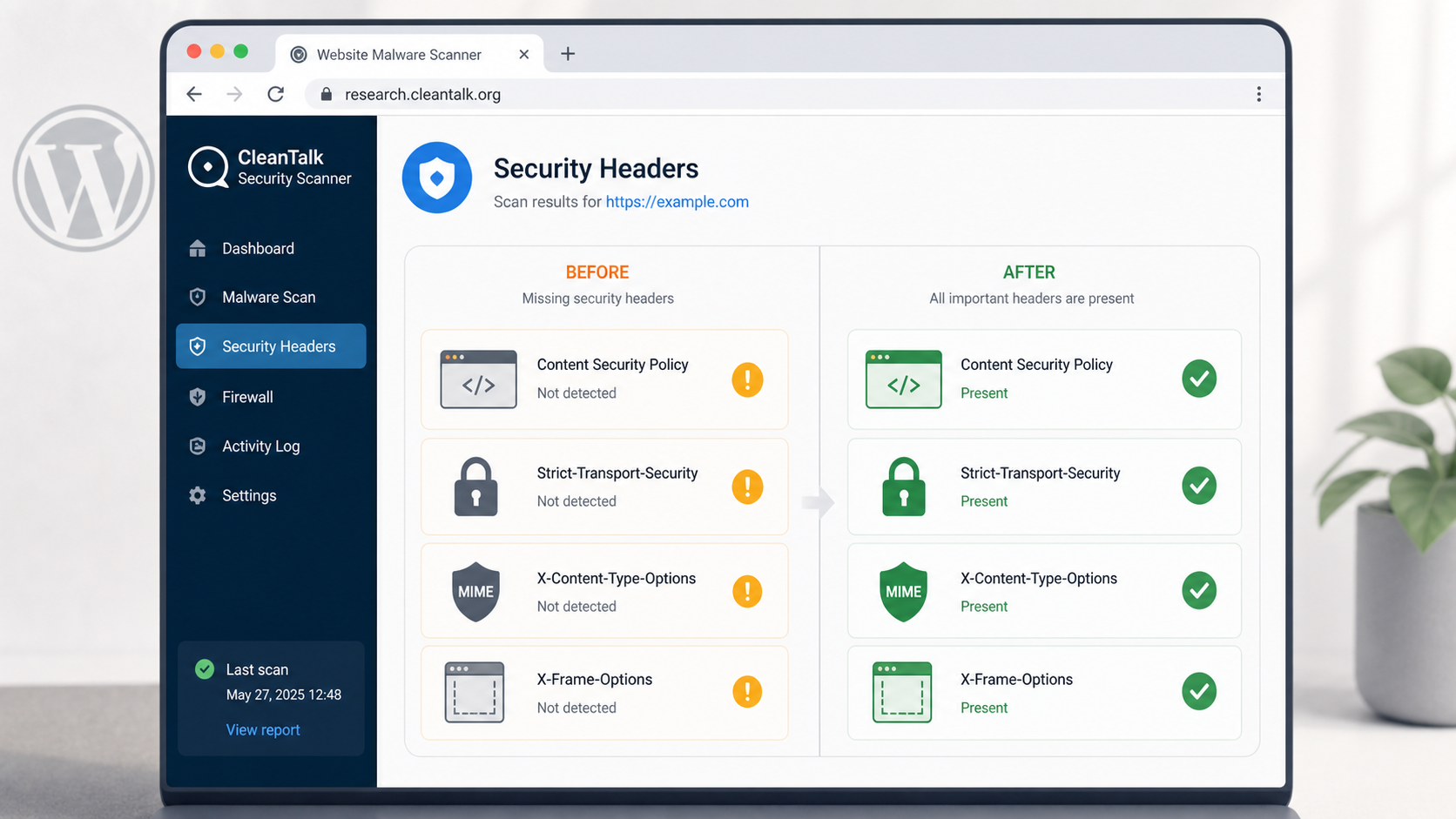
A practical WordPress demo shows how CleanTalk Website Malware Scanner reports missing security headers, what each header protects, three browser risk examples, and the scanner result after remediation.
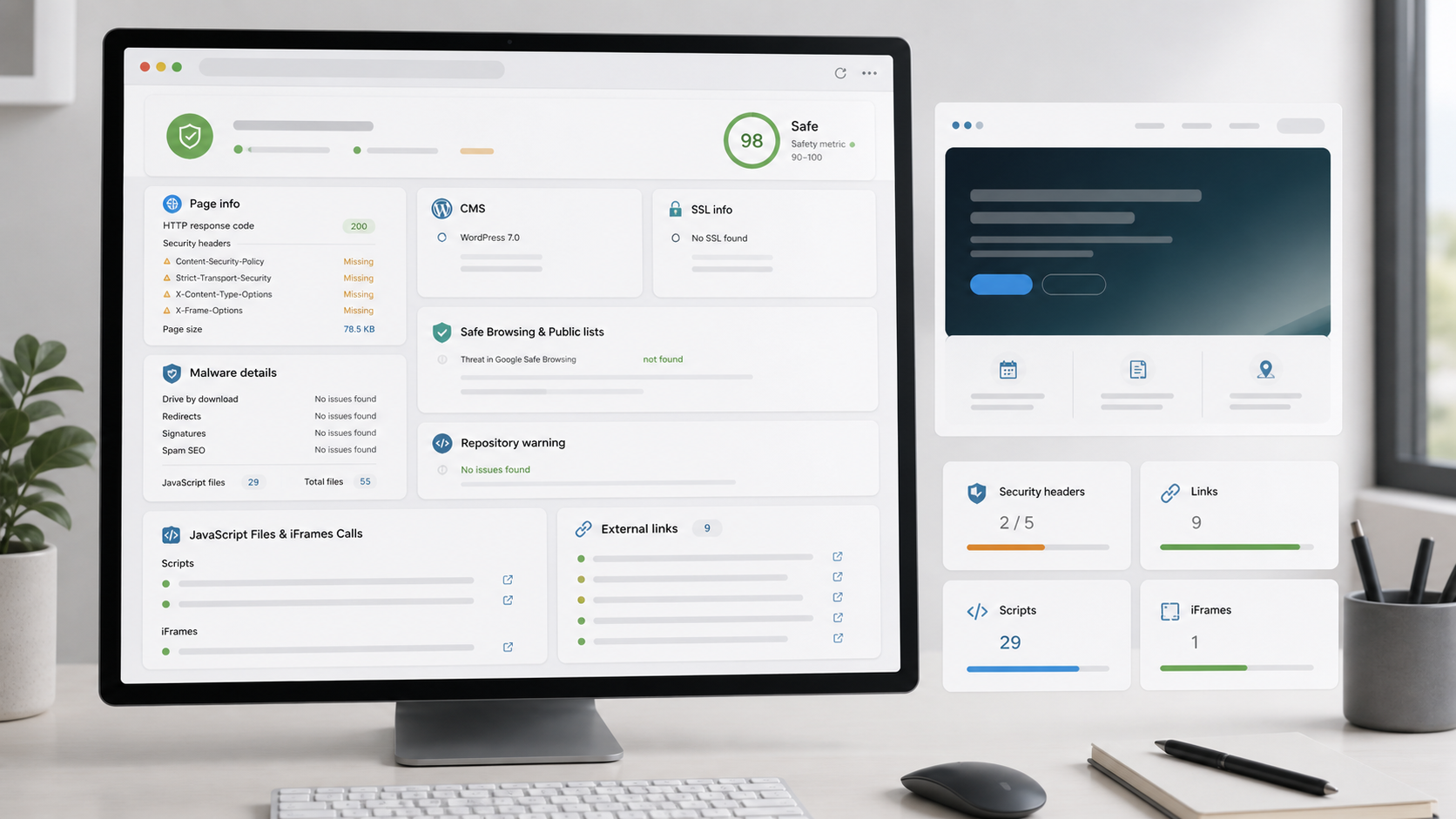
A real WordPress demo shows CleanTalk Website Malware Scanner finding an injected JavaScript signature, an exposed Git repository, weak headers, and a clean result after remediation.