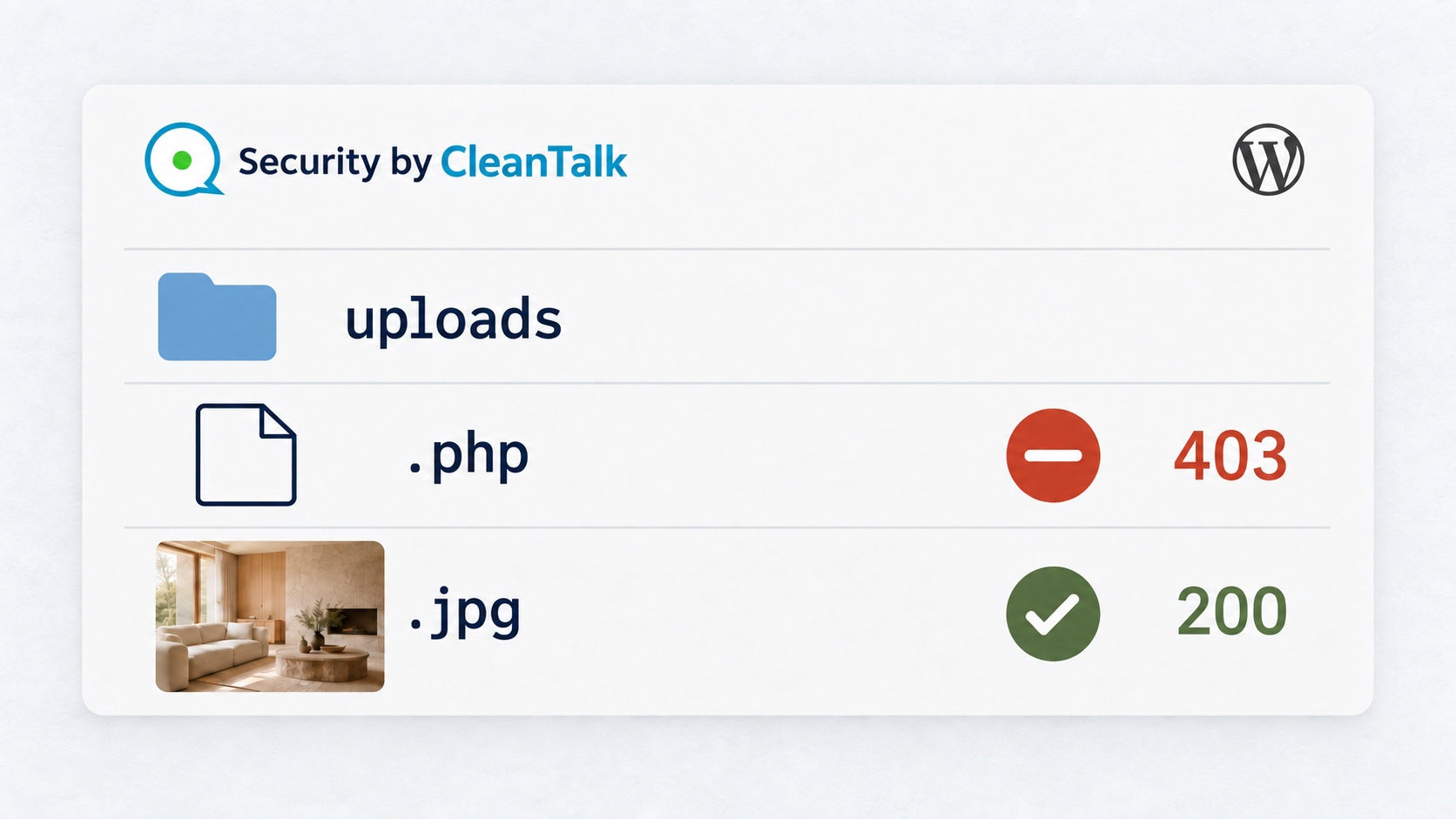
Security by CleanTalk stopped a PHP document from executing in WordPress uploads, changing its response from HTTP 200 to HTTP 403. This directory restriction provides a preventive barrier against PHP malware execution. Marlow Studio’s project photographs remained available, and its materials schedule now uses a static HTML document with the same content.
A malicious .php file can reach wp-content/uploads/ through a vulnerable upload feature or a compromised account. If the server executes that file when its URL is requested, code can run with the website’s permissions. Preventing that execution helps interrupt one route to a wider infection. The restriction can protect the media directory before an incident and limit direct execution of malicious PHP already present there.
The Security by CleanTalk plugin provides Disable PHP execution in uploads folder as a directory protection setting. The behavior below was recorded with Security by CleanTalk 2.187, WordPress 7.1, Apache 2.4.66, and PHP 8.5.4 using CGI.
Manual prevention and automatic PHP blocking
Enable the setting manually as preventive protection. A site owner can turn on Disable PHP execution in uploads folder before any infection is detected. The purpose is to stop the media directory from serving executable PHP while continuing to deliver the images and static documents the website needs.
Once the rule is effective on a compatible server, blocking happens automatically for direct web requests covered by the restriction. It applies to covered files already in uploads and to those added later. The server does not wait for a malware signature match or a new scan result before refusing execution. It restricts the file type and directory, so legitimate PHP documents are affected too.
If an infection has already placed malicious PHP in uploads, the active restriction can limit its direct web execution while the incident is investigated. This makes the control useful both before an infection and during the response. It does not stop a file from being written, remove malware, or close the weakness that allowed it to appear. Scanning, cleanup, and fixing that entry point remain necessary.
How to disable PHP execution in WordPress uploads
Check the hosting configuration before enabling the restriction. This Apache host permits the required .htaccess directives. Apache’s AllowOverride documentation explains how directory rules are permitted. Higher-priority handler assignments can change their effect, as described in the Apache handler documentation. The hosting provider should confirm compatibility, especially with PHP-FPM or custom handler rules.
- Install and activate Security by CleanTalk from the WordPress plugin directory.
- Connect the plugin with a valid Security access key in its settings.
- Open Settings → Security by CleanTalk → General Settings → Miscellaneous and select Disable PHP execution in uploads folder.
- Choose Save Changes. If the option is already enabled, keep it enabled and check the effective server restriction.

Saving a changed value schedules a background task. In version 2.187, its first scheduled time is 60 seconds later. Execution depends on the plugin scheduler and a request that runs WordPress. The PHP URL still returned 200 at 06:01:07, then returned 403 at 06:02:09. A saved checkbox does not confirm that enforcement has started. All times in this article are UTC on 10 September 2026.
Before protection, the materials document executed PHP
Marlow Studio’s Linden House page presents a residential project with living room and kitchen photographs and a materials schedule. The schedule lists oak, limestone, linen, and plaster. Its earlier linden-materials.php version generated an issue date before returning the document. Visitors needed the schedule, but serving this content did not require an executable file in the media directory.
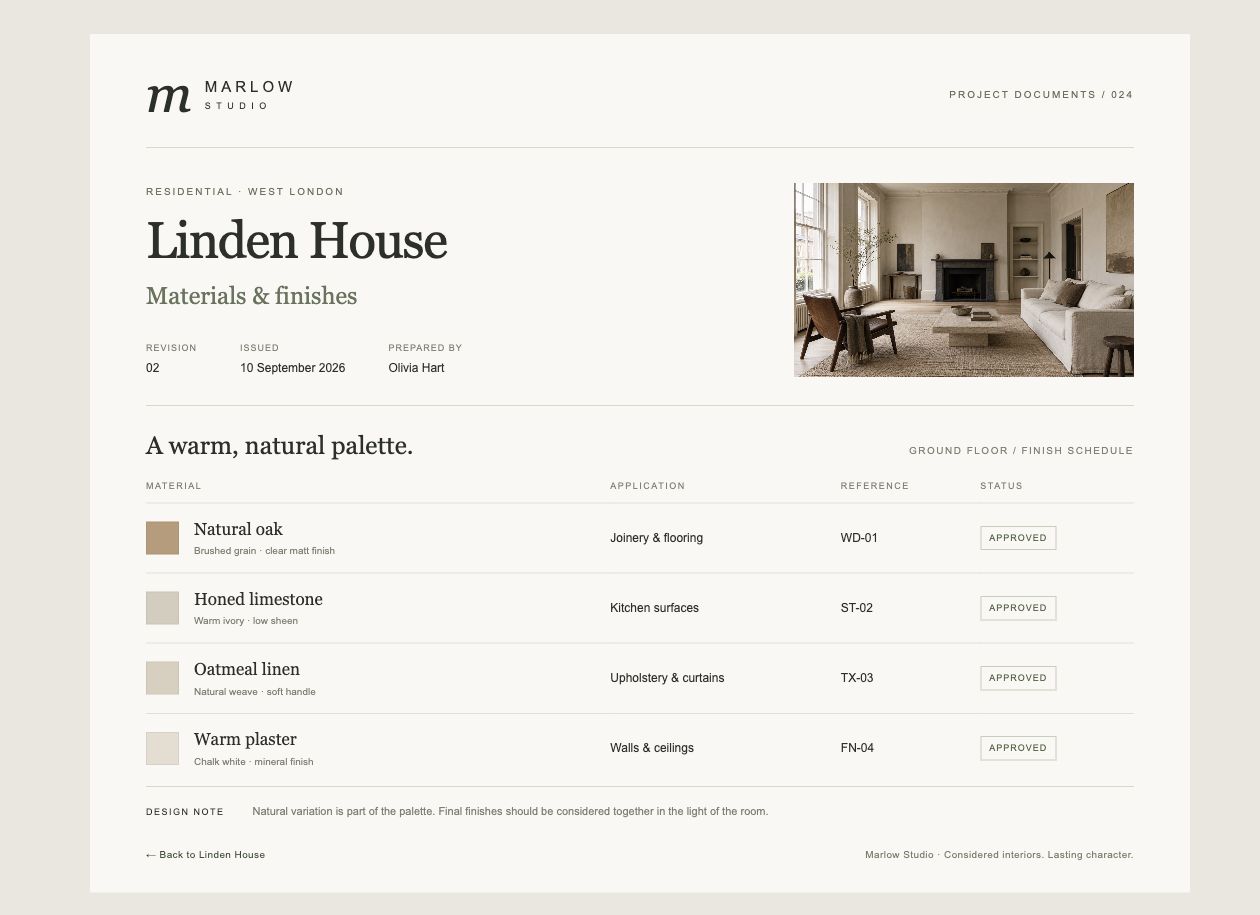
The PHP source sets header('X-Marlow-Document: rendered') and calculates the issue date with gmdate('j F Y'). The response includes that header and displays 10 September 2026. Substituting that date into the source template reproduces the returned HTML byte for byte.
GET /wp-content/uploads/2026/09/linden-materials.php HTTP/1.1

HTTP/1.1 200 OK
Date: Thu, 10 Sep 2026 05:58:52 GMT
Cache-Control: no-store
X-Marlow-Document: rendered
Apache’s access record reports 200 for the same GET at 05:58:52. The returned document contains 5,611 bytes. The generated date and PHP response header establish server-side processing beyond the visible page or its file extension.
The uploads .htaccess rule created by CleanTalk
Once applied, the setting adds the following marked section to wp-content/uploads/.htaccess. It assigns the listed extensions to the CGI handler and disables CGI execution beneath that directory.
# BEGIN Security by CleanTalk code execution protection
AddHandler cgi-script .php .php2 .php3 .php4 .php5 .php6 .php7 .phtml .shtml .phar
Options -ExecCGI
# END Security by CleanTalk code execution protection
After protection, the same PHP request returns 403
GET /wp-content/uploads/2026/09/linden-materials.php HTTP/1.1

HTTP/1.1 403 Forbidden
Date: Thu, 10 Sep 2026 06:02:09 GMT
Content-Length: 317

The later response contains neither X-Marlow-Document nor the materials schedule. The access log records 403 for the same GET. At 06:02:09.295043, Apache identifies the reason in its error log.
AH01262: stderr from /var/www/marlow-studio/wp-content/uploads/2026/09/linden-materials.php: Options ExecCGI is off in this directory
This error matches the installed uploads rule and locates the refusal at the web-server layer. Apache denied execution of the PHP document. A generic Forbidden page can have other causes, so the matching error matters. This result covers the observed PHP URL and CGI configuration, rather than every server or script extension.
Project images and a static document remain available
A separate content change added a static materials document and updated the project link. CleanTalk supplies the execution restriction. The project now links to linden-materials.html through View materials & finishes. That static response contains exactly the same 5,611 HTML bytes as the earlier rendered PHP response, including the issue date and photograph reference. The document remains useful without requiring PHP processing inside uploads.
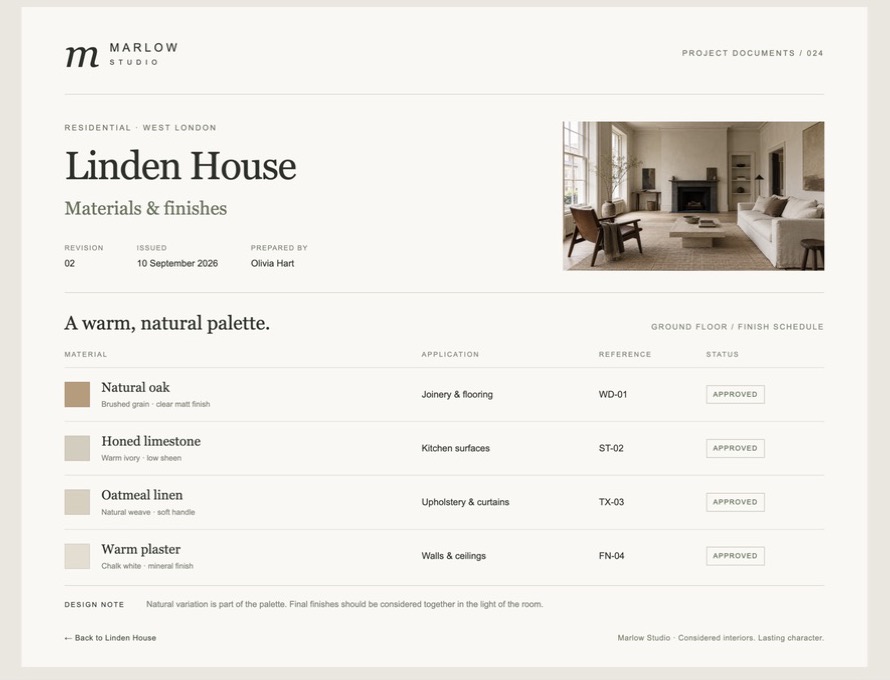
GET requests at 06:41:04 to 06:41:05 UTC returned HTTP 200 with full response bodies. Both JPEG response hashes matched their original image files.
| Resource | HTTP result | Response body |
|---|---|---|
| Static materials document | 200 | 5,611 bytes, same document HTML |
| Living room JPEG | 200 | 511,649 bytes, image/jpeg |
| Kitchen JPEG | 200 | 435,043 bytes, image/jpeg |
| Linden House project page | 200 | Project page and materials link |
| Contact page | 200 | Contact page returned |

Visitors can view the project, open its materials, return to the gallery, and reach the enquiry page. The contact-page response confirms availability, but does not establish email delivery. Forms, other downloads, and integrations need checks appropriate to their own workflows.
Frequently asked questions
Does malware detection automatically enable uploads protection?
In version 2.187, the uploads protection task uses the existing On/Off setting. A scan can schedule that task, but its handler still requires the option to be enabled. Automatic blocking after activation does not mean a malware finding switches a disabled option on. Enable and verify the restriction in advance. If an infection is discovered, check its current state as part of the response.
Does disabling PHP in uploads block images or documents?
The rule targets the script extensions listed above. The two JPEG files and the static HTML document continued to return 200 with uploads protection enabled. A download feature that depends on PHP inside uploads may break and should be reviewed before rollout. A static document can avoid that dependency when it meets the feature’s requirements.
What if an unknown PHP file is already in uploads?
An owner should preserve the file and relevant logs for review and ask the hosting provider or a security specialist to investigate. Opening an unknown PHP URL is not a safe diagnostic step. Execution checks should use only a reviewed, harmless resource approved by the site administrator. A blocked file still needs assessment, and the upload or account issue that allowed it to appear must be addressed.
What if the option is enabled but PHP still executes?
Check whether the background task ran and whether the uploads rule exists. Then have the hosting provider inspect the effective handler and directory configuration. Nginx does not use Apache’s per-directory .htaccess files, so it needs an appropriate restriction in its own configuration. A checked option should never substitute for verifying the actual response.
How can a legitimate feature be restored if it breaks?
In Security by CleanTalk 2.187, clearing this checkbox alone does not remove an existing uploads rule through the scheduled settings task. Save the option as disabled and ask the hosting provider to review the configuration. The provider should back it up and revert only the section marked as Security by CleanTalk code execution protection, preserving unrelated rules. Confirm that the affected feature and ordinary media work again. Review any dependency on executable PHP in uploads before enabling the restriction again.
Does a 403 response mean the whole site is clean?
No. The refusal does not remove files, identify their origin, repair a vulnerable component, or rule out code elsewhere. Malware scanning and Cure address a separate part of the response. Keeping vulnerable components updated is another task, covered in the Critical Updates review.
What the site owner gains
The owner gains a preventive barrier against PHP malware execution in uploads, with automatic blocking once the server rule is effective. The same protection can limit direct web execution of malicious PHP already present during an infection. In the Marlow Studio result, the PHP document stopped executing while photographs and the static schedule stayed available. Enable the option before an incident, verify the hosting configuration and visitor workflows, and investigate any unexpected PHP files.

