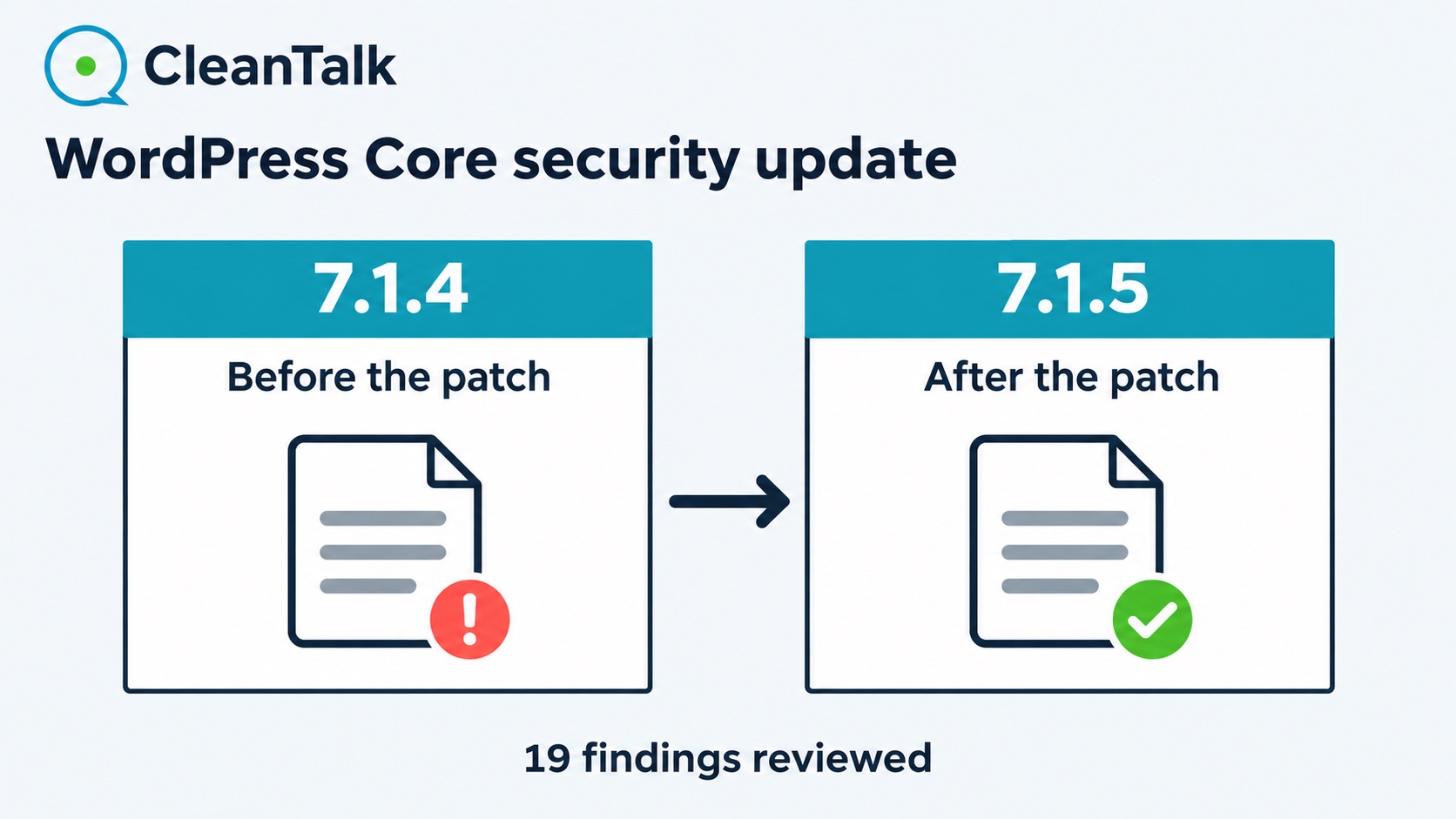
WordPress released version 7.1.5 on November 18, 2026. The security update fixes issues in WordPress Core and the block editor, including a multisite account takeover and a Template Part privilege escalation.
How to update WordPress
Install 7.1.5 for WordPress 7.1, 7.0.9 for 7.0, or 6.9.12 for 6.9. For earlier branches, check the official WordPress release archive.
- Single site. Back up the database and files, then open Dashboard → Updates → Update Now. Confirm the active Core version and check login, publishing, and key site functions.
- Multisite. Open Network Admin → Dashboard → Updates → Upgrade Network, then verify the upgraded version across the network.
- Keep XML-RPC only when needed. If a plugin or integration depends on it, verify the patched pingback behavior and monitor request volume.
Vulnerability findings · Patch checks · WAF results · Site owner checklist
WordPress 7.1.5 at a glance
- Eight cases can affect a site without the attacker holding an account.
- Five advisories rated High by WordPress, including multisite account takeover and Template Part privilege escalation.
- 8 XSS issues across comments, editor blocks, media, embeds, the legacy media popup, and Customizer previews.
The release announcement lists 20 security changes. Two harden existing features. The comment editing fix addresses two separate authorization flaws, bringing the total to 19 vulnerability cases.
All 19 findings and practical impact
Unauthenticated findings (8)
- Reflected XSS in the legacy media popup (High, Unauthenticated). An attacker-controlled REST route could be reflected into the legacy media response. The victim must open a crafted link.
- Interactivity API store-namespace XSS (Low, Unauthenticated). The issue affects context data passed through the Interactivity API. Exploitability depends on a plugin or theme exposing attacker-controlled namespace values to the vulnerable rendering path.
- Nested WP_Meta_Query relation SQL injection (Moderate, Unauthenticated). Nested relation values reached SQL construction unsafely. Exposure depends on whether a plugin or theme forwards user input to
meta_query. - Private taxonomy term disclosure through REST search (Moderate, Unauthenticated). A REST search request could disclose private taxonomy terms when the term subtype filter was explicitly empty. Omitting the subtype is a different request and did not reproduce the leak.
- Stored XSS through escaped shortcode attributes in comments (High, Unauthenticated). An approved comment can reach a shortcode and media-rendering chain that decodes escaped attributes into browser markup. Exposure requires rendering the approved comment, for example through the Latest Comments block.
- Batched XML-RPC pingback denial of service (Moderate, Unauthenticated). One XML-RPC multicall could trigger repeated pingback work. The endpoint must be reachable.
- Template Part entity-key CSRF to administrator account creation (High, Unauthenticated, with administrator interaction). An Administrator who opens crafted editor content can trigger the creation of another Administrator account.
- Stored XSS through Openverse image metadata (High, Unauthenticated). Untrusted image metadata can reach a browser-side editor sink. A request-inspection WAF cannot reliably see or neutralize code that arrives in a remote provider response and runs in the editor.
Subscriber and Contributor findings (4)
- Private comment disclosure through XML-RPC wp.getComments (Moderate, Subscriber+). A low-privilege XML-RPC user could retrieve private comment data, including commenter details. WordPress 7.1.5 masks the sensitive fields and removes private-post content from this response.
- Stored XSS through oEmbed provider scripts (Low, Contributor+). A crafted provider response could place script content into an editor context. The untrusted content arrives from the oEmbed response, outside the request body a generic WAF normally inspects.
- Stored XSS through the Comment Date format (Low, Contributor+). The Comment Date block rendered an unsafe date-format value. The vulnerable render sink changed between 7.1.4 and 7.1.5.
- Stored XSS through a File transform filename (Low, Contributor+). A media filename could become executable markup when an editor transformed a media block into a File block. This is a client-side block-editor path, so request signatures alone are not a complete mitigation.
Author and Editor findings (4)
- User email disclosure through REST comment editing (Low, Author+). Refreshing a comment author through the REST API could expose the account email address. The issue is an authorization and data-minimization failure rather than a generic injection pattern.
- Unauthorized comment move through admin editing (Low, Author+). An Author could move an approved comment to another user’s post by changing its post association during admin editing. The request resembles an ordinary comment edit, which makes reliable signature-only blocking difficult.
- Unauthorized change to a comment’s type (Low, Author+). An Author could change an ordinary comment into an editorial Note outside the intended permissions. The patch enforces the authorization boundary on the comment type transition.
- Network user enumeration through REST author assignment (Low, Editor+ on multisite). REST author assignment could reveal whether a user exists elsewhere in the network. The impact is account-existence disclosure and the affected deployment is WordPress multisite.
Administrator findings (3)
- Multisite Administrator to Super Administrator privilege escalation (High, Administrator+ on multisite). A site Administrator could cross the network-administration boundary through Customizer navigation-menu preview handling. Version 7.1.5 closes this path to Super Admin access.
- Customizer front-page preview SQL injection (Moderate, Administrator+). A crafted front-page value in a Customizer changeset preview reached SQL handling. The vulnerable input was available only in a privileged preview flow, and the 7.1.5 behavior removed the injection path.
- Stored XSS through Customizer previews (Low, Administrator+). A crafted Customizer preview value could execute when the preview was opened. This is a privileged stored-preview path, not unauthenticated site-wide script injection. The patched renderer escapes the affected value.
PoC findings and patch verification
Multisite Customizer integrity-domain confusion
Preconditions. WordPress Multisite, a classic theme, and a site Administrator who is not a Super Administrator. In 7.1.4, widget-instance and navigation-menu preview arguments used the same HMAC domain. A valid widget-instance integrity tag could therefore be reused in the menu-preview context. The resulting path crossed the network role boundary.
7.1.4 menu preview tag
wp_hash( serialize( $args ) )

7.1.5 menu preview tag
wp_hash( 'customize_nav_menu_args|' . serialize( $args ) )
The paired 7.1.4 test changed an existing Super Admin account password. With the same preview arguments on 7.1.5, validation rejected the tag and the stored password hash remained unchanged. Single-site WordPress has no network Super Admin boundary.
Template Part entity keys reach the REST path builder
Mechanism. The vulnerable editor code built REST paths by concatenating the entity key. WordPress 7.1.5 adds isSafeEntityKey() checks before the entity key can reach path construction. The guard rejects unsafe separators, query delimiters and traversal segments while accepting ordinary keys.
7.1.4 path construction
path = baseURL + "/" + key

7.1.5 guard
if not isSafeEntityKey(key)
    reject before building the REST path
An authenticated server-side replay returned HTTP 201 and created two test Administrator accounts on 7.1.4. The shipped 7.1.5 guard rejected the unsafe key and accepted an ordinary key. The complete browser chain and potential remote code execution remain unverified in these checks.
One XML-RPC multicall repeats pingback work
WordPress 7.1.4 accepted repeated pingbacks in a single XML-RPC batch.
system.multicall([
  pingback.ping(controlled_source, test_post),
  pingback.ping(controlled_source, test_post)
])
Version 7.1.4 made 20 outbound fetch attempts in 20.40 seconds. Version 7.1.5 made one attempt in 1.27 seconds. WordPress comment flood protection limited database writes in the default configuration.
Nested WP_Meta_Query SQL injection needs an input path
The vulnerable value was a nested WP_Meta_Query relation. The behavior was observed through an integration that passed request data into that relation. The patched code restricts the relation to the supported AND and OR operators. Generated SQL confirmed the injected expression was absent after patching.
request parameter
  → plugin or theme route
  → nested meta_query relation
  → SQL builder
The controlled integration test measured 12.386 seconds on 7.1.4, 0.246 seconds on 7.1.5, and 0.295 seconds for its non-injected control. No direct public HTTP path in clean Core was found. Exposure depends on whether an installed plugin or theme sends user input into this query structure.
XSS patch checks. The shortcode-comment check confirmed an unsafe markup difference, not JavaScript execution in the complete browser chain. Openverse and File-block behavior was checked in the shipped editor bundles, without reproducing the complete provider-to-browser or cross-user chain. KSES blocked Contributor storage in the Comment Date test.
CleanTalk WAF results and limits
Eight targeted rules in the tested CleanTalk Security 2.192 configuration blocked all eight original requests across six attack classes.
The private taxonomy rule logged matches because a broad block could reject legitimate REST searches. Some browser inputs arrive in responses from external oEmbed or Openverse providers. The Core update covers rendering and authorization issues inside WordPress.

What site owners should do now
- Apply the security update for your WordPress branch.
- Verify the installed version. Check Dashboard, then Updates, on every site and confirm the new version is active. Do not rely only on an automatic-update notice.
- Review exposure. Inventory multisite networks, XML-RPC access, plugins that build custom meta queries, and accounts with Contributor, Author, Editor, or Administrator roles.
- Keep privileges narrow. Remove stale accounts and grant only the role required for each task. On multisite, review access for Editors, site Administrators and network Super Admins.
Install Security by CleanTalk from WordPress.org for an additional WAF, malware and vulnerability scanning, login protection, and two-factor authentication layer. Follow the CleanTalk setup guide and review this WordPress security checklist.
Frequently asked questions
Are all eight unauthenticated issues exploitable on every site?
Exposure depends on the site. Some issues require a compatible plugin or theme, an approved comment, an action by a logged-in administrator, or a reachable XML-RPC endpoint.
Can a WAF replace the WordPress update?
Install the Core update for the affected branch. A WAF filters known request patterns. The patch fixes the underlying faults in WordPress and the block editor.
Which version should a site owner install?
Install 7.1.5 for branch 7.1, 7.0.9 for 7.0, or 6.9.12 for 6.9. Check the official release archive for the matching branch.
Sources and further reading
- Official WordPress 7.1.5 release announcement
- WordPress 7.1.5 version and backport documentation
- Official WordPress release archive for supported branches
- Official WordPress Core security advisories
- Security Plugin, Firewall and Malware Scanner by CleanTalk
- CleanTalk Security setup guide
- WordPress security checklist for site owners