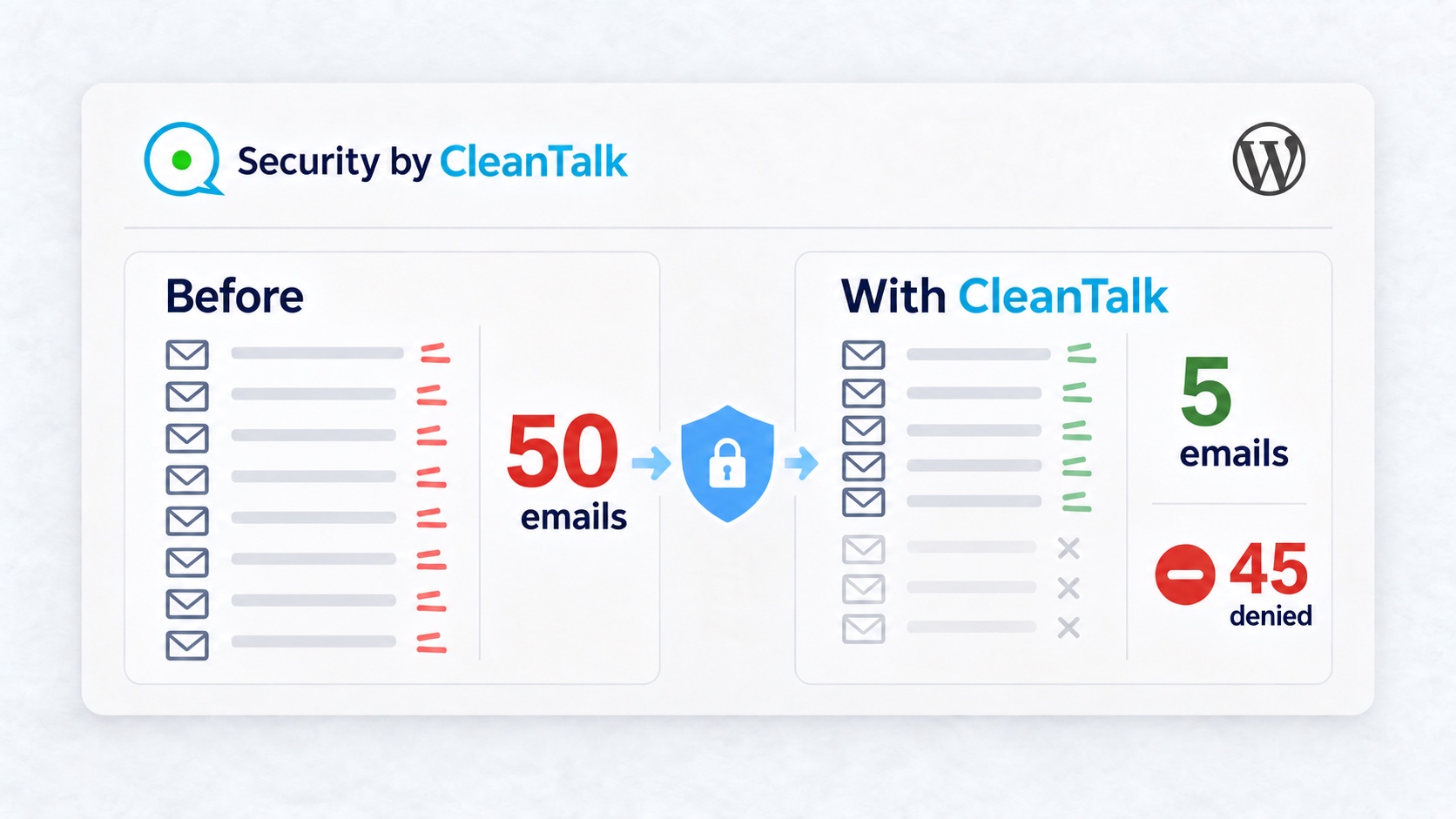
WordPress password reset email spam can fill an owner’s inbox even when the requester does not know the password. In the Nightshift Journal example, 50 requests delivered 50 messages. With Security by CleanTalk 2.190 and a five-request limit, the same number of requests delivered five emails and returned 45 refusals. That was 90% fewer reset emails for this sequence from one IP.
The messages look familiar because the website itself sends them. During a flood, a needed recovery email can disappear among identical notices.
The comparison used WordPress 7.1.3 and the standard password recovery form.
Why WordPress password reset email spam happens
A signed-out visitor can enter a registered username or email address and request recovery instructions. WordPress sends the message to the address associated with that account. Repeating this action can make the website send repeated emails. WordPress documents the sequence in its password retrieval handler.
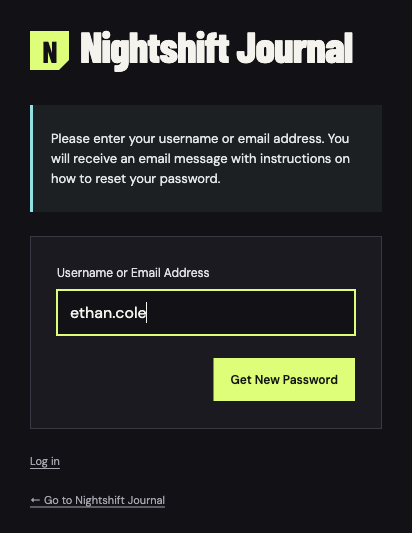
The requests on Nightshift Journal used the account ethan.cole. The form asks for the username or email address, without requiring an existing password or a signed-in session.
Before protection, every request generated an email
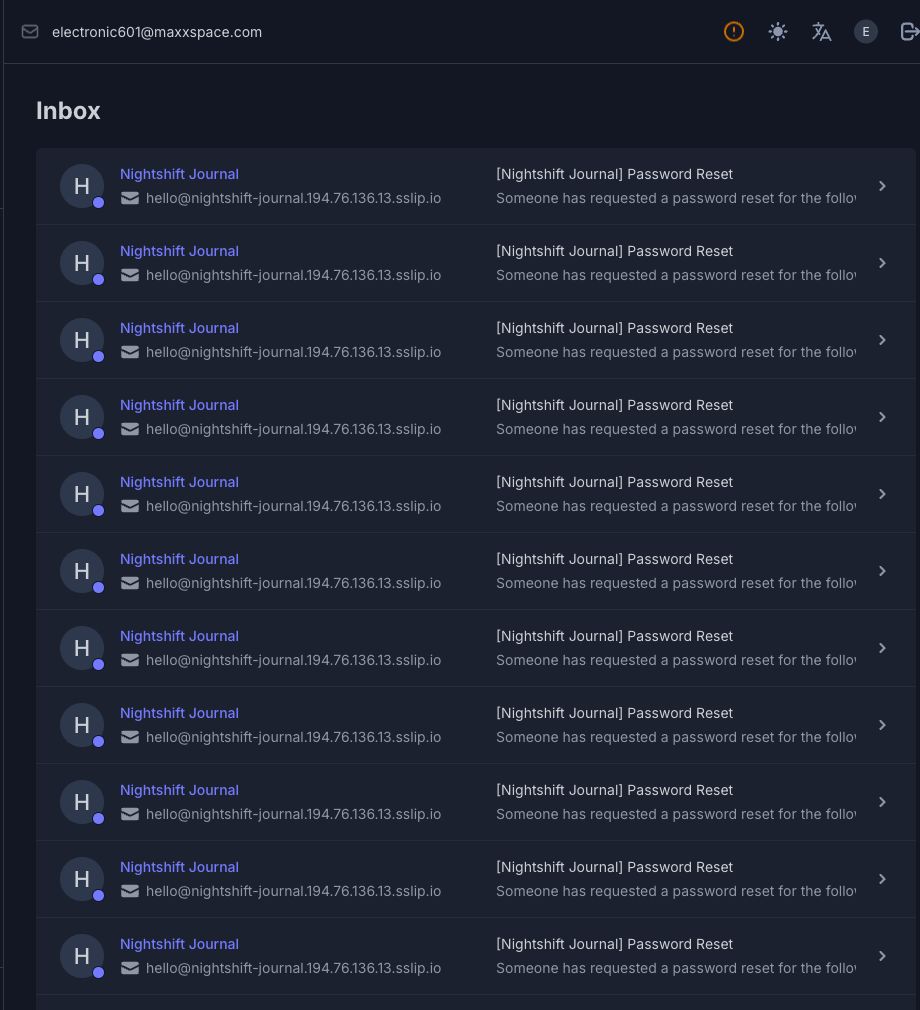
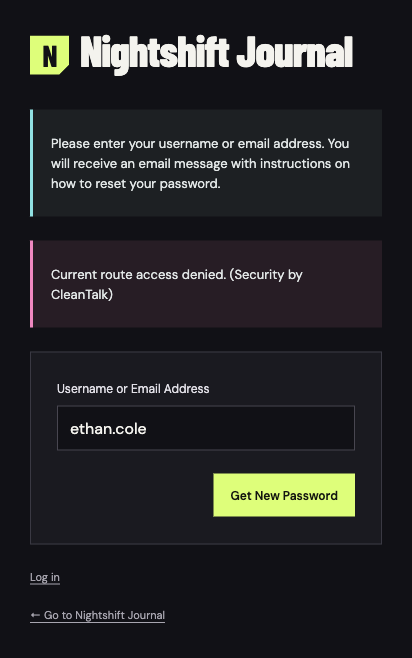
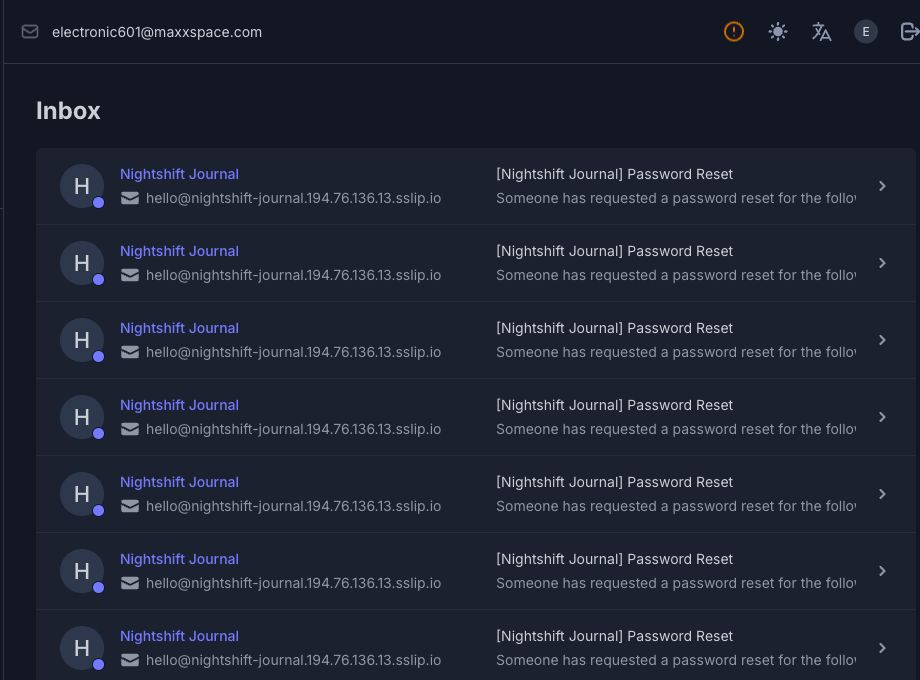
The unprotected form processed 50 requests from one IP in roughly twelve seconds. Every submission reached the normal Check your email confirmation and produced a new [Nightshift Journal] Password Reset message. A familiar sender does not mean the owner requested those emails.
Configure WordPress password reset limits in CleanTalk 2.190
The Security by CleanTalk plugin adds the recovery limiter. An administrator installs and activates it, connects the site to the CleanTalk service, then opens Settings → Security by CleanTalk → General Settings → Authentication and Logging In.
The policy enables Brute Force Protection. Maximum authorization tries allows 5 requests, and Blocking for specifies 2 minutes. The administrator saves these settings before checking the recovery form. The allowance should fit the site’s normal recovery traffic.
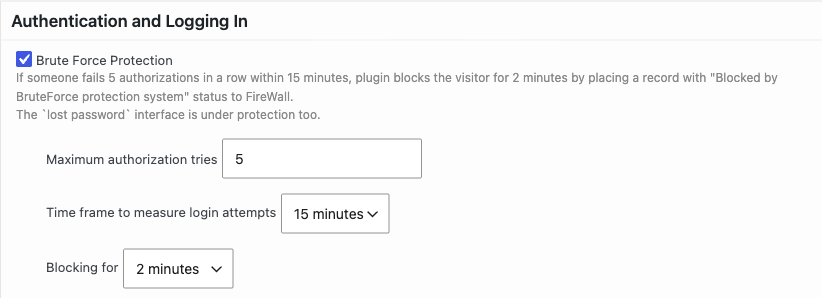
For password recovery in version 2.190, Maximum authorization tries supplies the request allowance. Blocking for supplies the recovery counting period and temporary block. The separate Time frame to measure login attempts field shown as 15 minutes belongs to failed-login protection.
The recovery limiter counts requests by detected client IP, rather than separately for each submitted username. Sites behind a proxy or CDN need correct client-IP detection so the allowance follows the intended visitor address.
With CleanTalk, the limiter refused excess requests
With protection active, the first five requests reached the normal confirmation. Requests six through fifty displayed Current route access denied. (Security by CleanTalk). They generated no additional reset emails. Both sequences used the same account, form and source IP. Each finished within the two-minute policy window.
| Measure | Without the limiter | With CleanTalk |
|---|---|---|
| Requests submitted | 50 | 50 |
| Requests denied | 0 | 45 |
| New reset emails | 50 | 5 |
| Inbox before | 22 | 72 |
| Inbox after | 72 | 77 |
The comparison counts only new, unique message IDs from each sequence. The first result excludes the 22 messages already in the inbox. Older messages remain visible in the inbox images.
Recovery email delivery resumed after the block
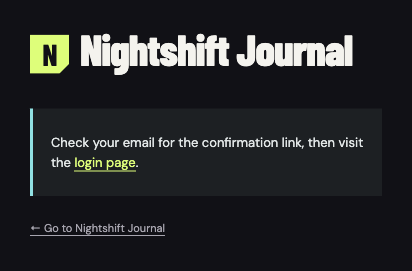
A follow-up request arrived about 169 seconds after the first refusal, once the two-minute block had elapsed. It returned the normal Check your email confirmation. One new email arrived with the protection still active.
What the password reset limit covers
The observed result applies to the standard WordPress lost-password form and requests from one detected client IP. A custom membership form needs a separate compatibility check to confirm it uses the same WordPress password recovery process. Requests distributed across many source IPs are outside the result shown here.
Repeated recovery requests are different from failed sign-ins or use of an exposed password. CleanTalk’s brute force login protection handles repeated failed sign-in attempts. Password Leak Check addresses credentials found in breach data.
Frequently asked questions
Can the limiter refuse a normal recovery request?
Yes. The limiter can also refuse a normal request when its IP has used the allowance. It counts requests without checking the requester’s intent. Users sharing one public IP can share the allowance and may need to wait until the block expires.
Do reset emails mean someone changed the password?
A recovery email alone does not change the password or establish that someone has signed in. The account owner still needs to complete the password reset process. Unexpected messages are a reason to review account activity.
Add the recovery limit to WordPress
After saving the policy, a check should confirm both a refusal above the allowance and an accepted request after the block expires. The inbox should show no new email for a refused request.
Site owners receiving repeated WordPress reset emails can install Security by CleanTalk, connect the service and set the recovery allowance under Authentication and Logging In.